Importing data from Dalux is easy.
Follow these simple steps to connect your Dalux account to Morta.
Step 1: Connect your account.
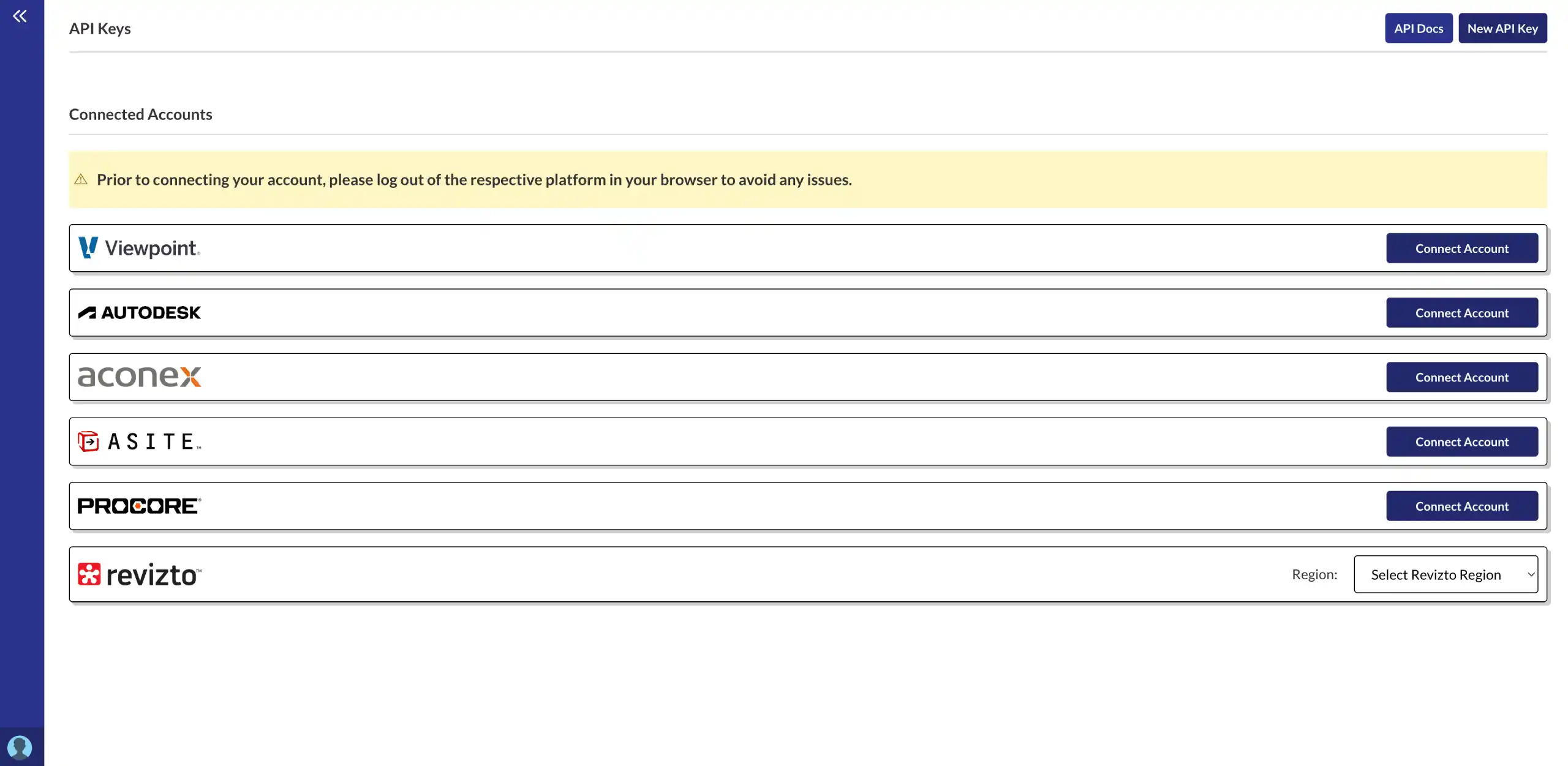
Click on your profile image in the bottom left hand corner of Morta. Then click integrations. Then connect your account from the right hand side.
- Secure OAuth connection
- Disconnect at any time
Step 2: Navigate to a Morta table.
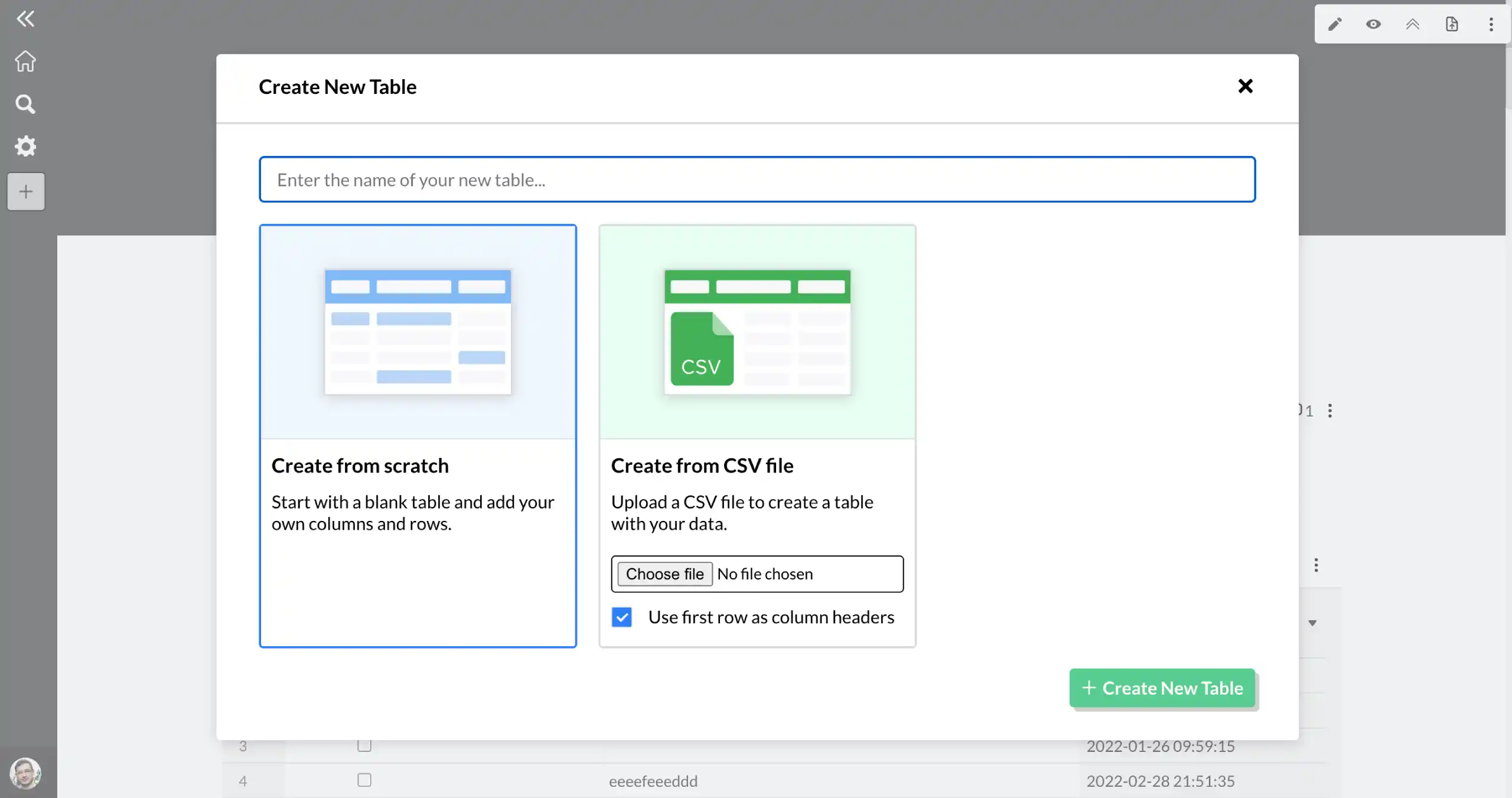
Open up one of your hubs. Then create a new table or open an existing one.
- Single source of truth
- No more manual entry
Step 3: Import your data.
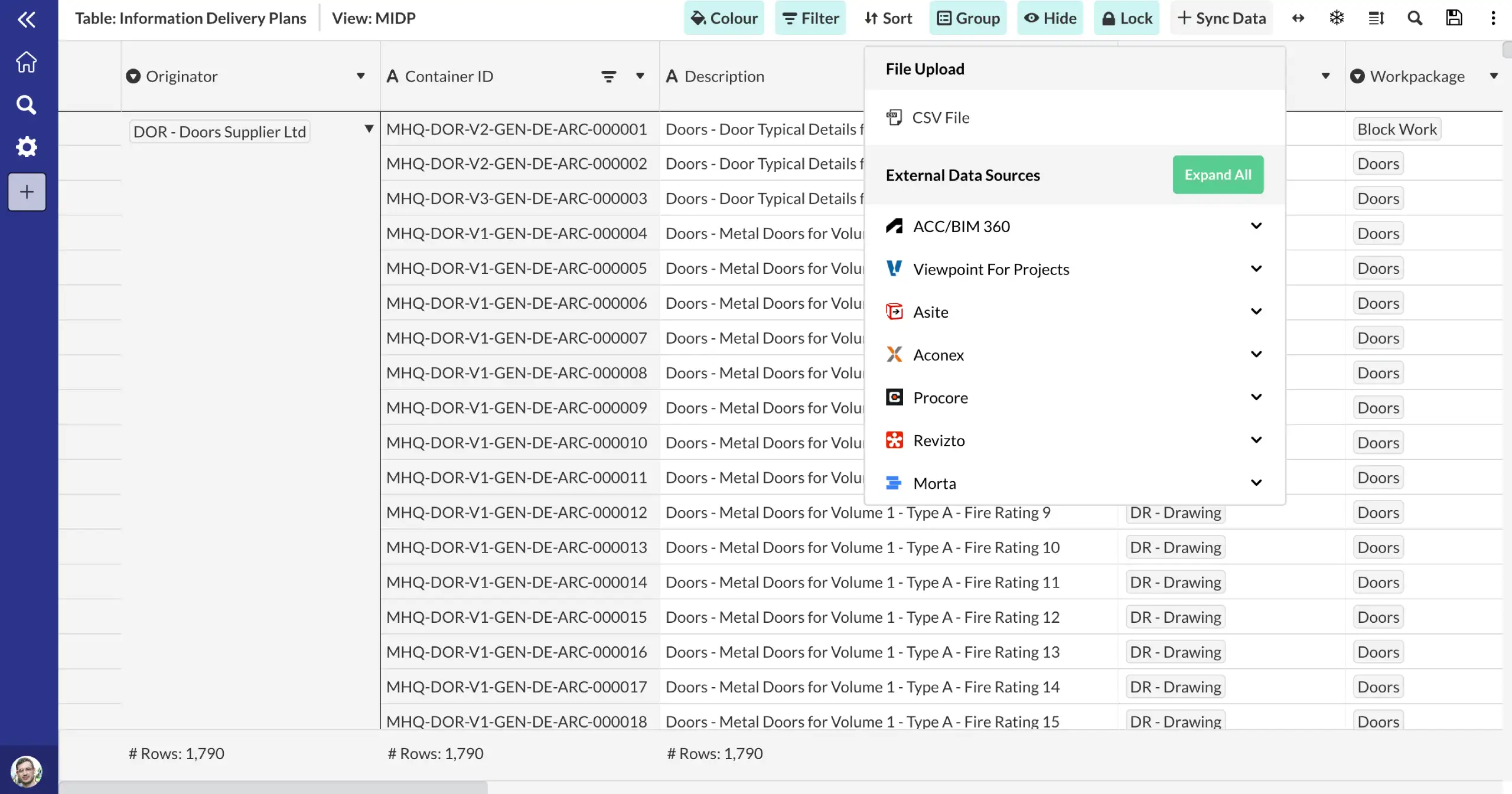
Click import data from the top right hand corner of the table. Select the data you want to import and click import.
- One click data import
- Automatic refresh every day
Frequently asked questions.
Common questions about this template and how it works.
What is Dalux?
Dalux is a field BIM and QA platform used for quality checklists, inspections, and defect management on construction sites. It is widely used across Europe for site-level quality assurance.
How does Morta integrate with Dalux?
Morta connects to Dalux via custom integration. Field quality data including inspection results and checklist completions can be imported into Morta tables to connect site-level QA with your broader project controls.
How much does it cost to set up a custom integration?
For the most part, the cost is less than a day of services and is sometimes free. Just ask and we'll give you a quote!
Get started