Connect IFC to Morta.
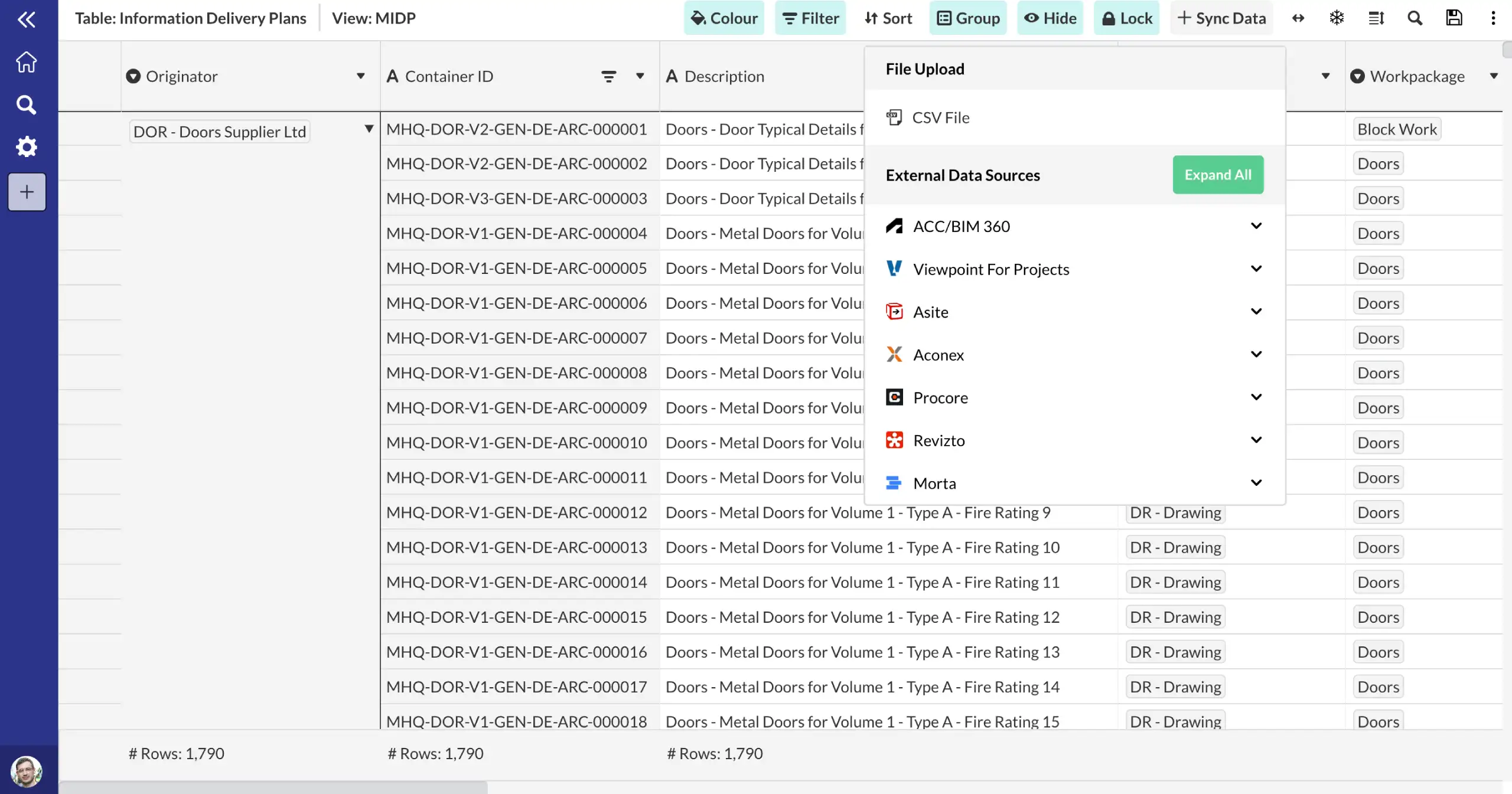
Use Morta's API, Power Automate connectors, or CSV/Excel import to bring your IFC data into Morta tables. Once connected, your data feeds directly into your project controls framework.
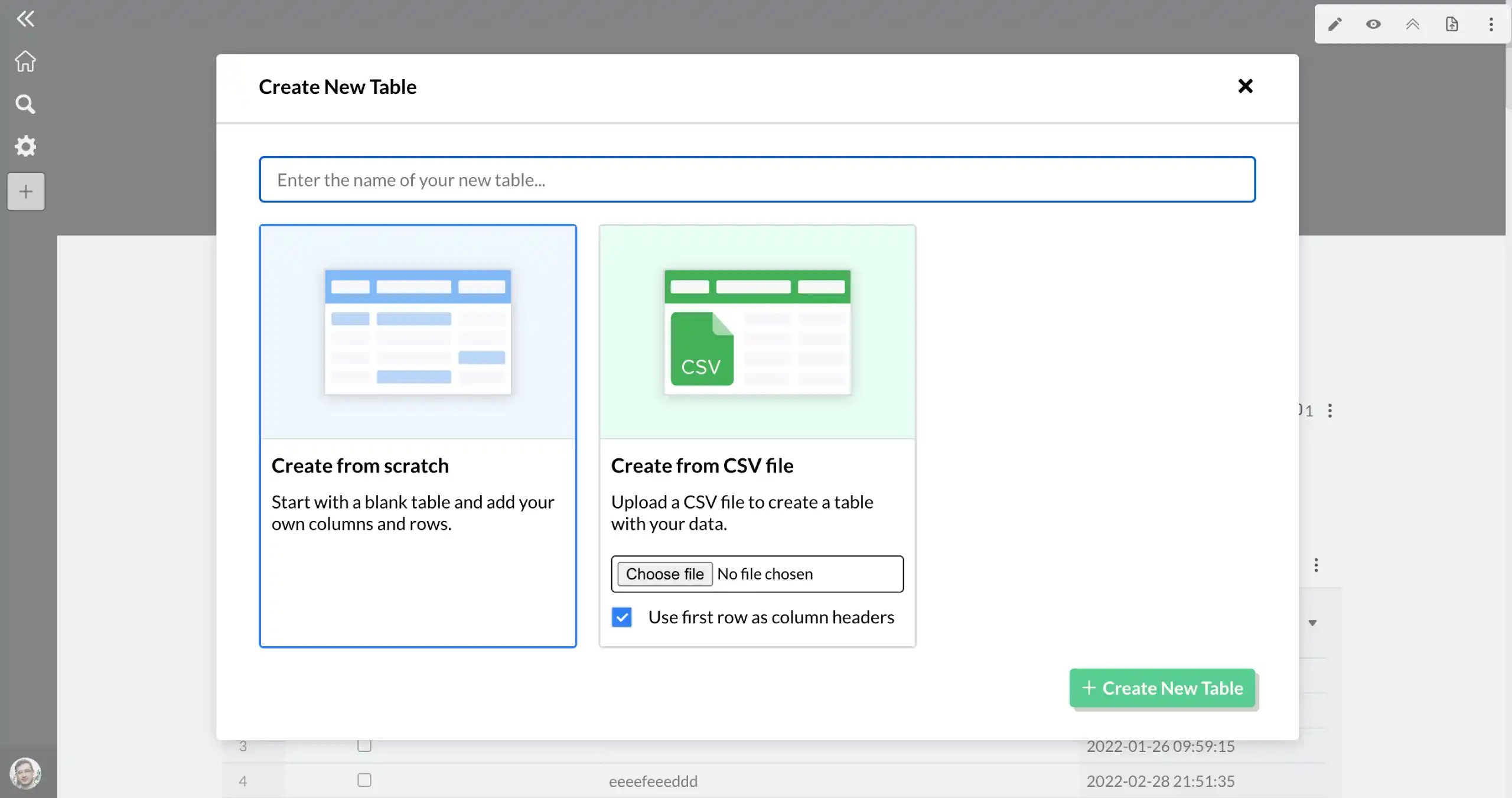
Import your data into a Morta table.
Bring your IFC data into Morta using our API, Power Automate workflows, or file import. Your data is mapped into structured Morta tables ready for controls tracking.
- Flexible integration options
- Structured data mapping
Connect to your controls framework.
Once your IFC data is in Morta, it becomes part of your project controls. Track progress, surface risks, and report across every controls function from one place.
- Controls-ready data
- Cross-system visibility
Frequently asked questions.
Common questions about this template and how it works.
What is IFC?
Industry Foundation Classes (IFC) is the open international standard for BIM data exchange. It enables interoperability between different BIM authoring tools and is the foundation of openBIM workflows.
How does Morta work with IFC files?
Morta can import and parse IFC files to extract structured model data into Morta tables. This enables information management, quality checks, and asset data validation against your BIM models.
Get started